

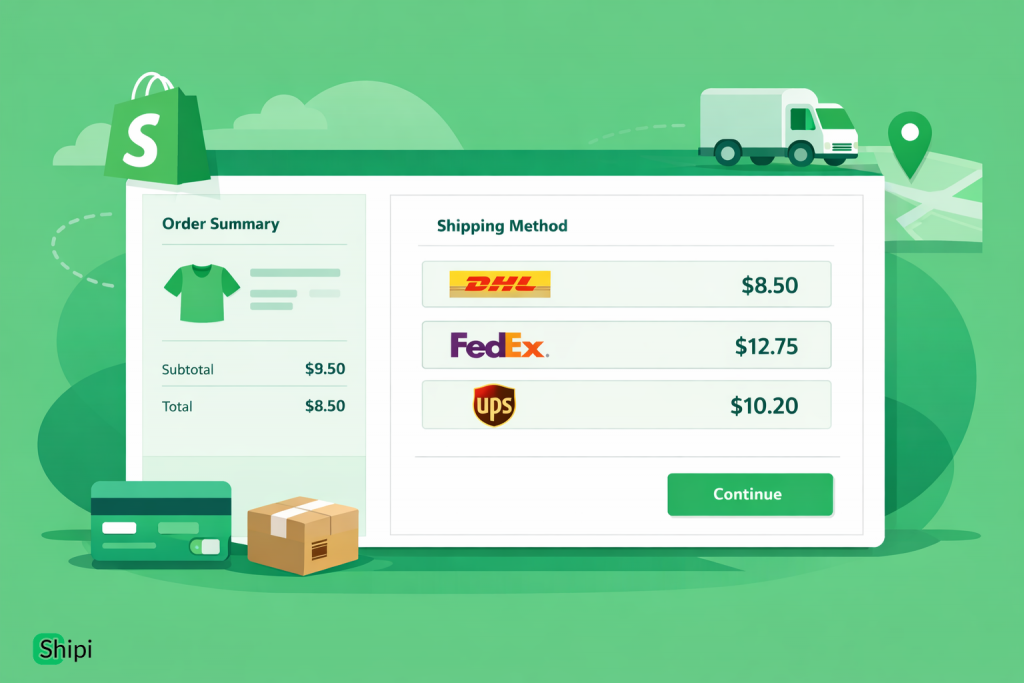
Shipping cost transparency is one of the biggest factors affecting cart abandonment in eCommerce. In 2026, Shopify merchants who show accurate live shipping rates at checkout convert better, reduce support tickets, and avoid losses from under-charging shipping.
This complete guide explains what live shipping rates are, why they matter, and exactly how to enable them in Shopify – from basic flat rates to real-time carrier-calculated pricing.
What Are Live Shipping Rates in Shopify?
Live shipping rates (also called carrier-calculated rates) are real-time prices fetched directly from shipping carriers based on:
- Customer address
- Package weight & dimensions
- Shipping origin
- Carrier service (Standard, Express, etc.)
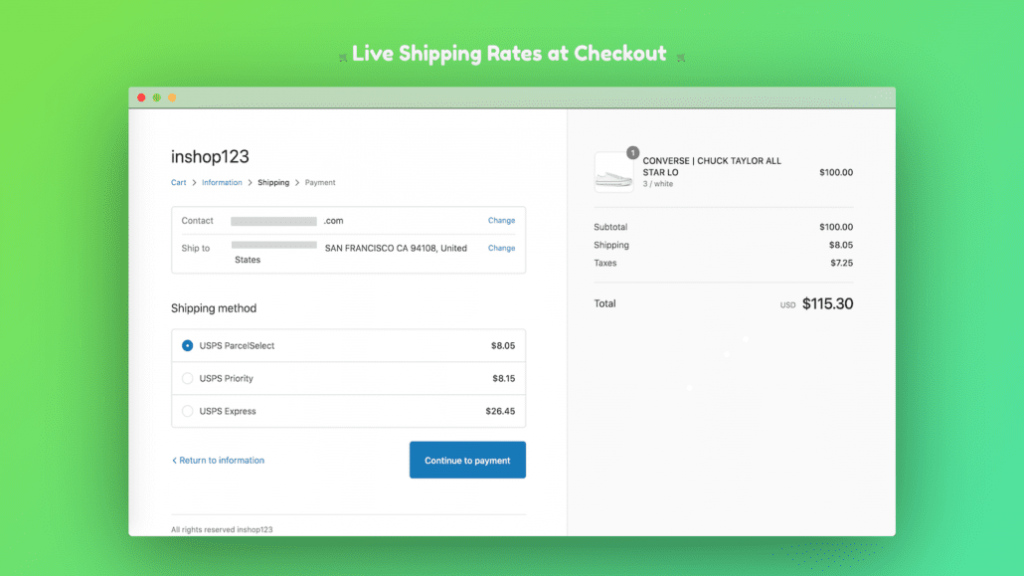
Instead of guessing or using flat pricing, Shopify shows exact shipping costs at checkout.
Why Live Shipping Rates Matter in 2026
In 2026, customers expect Amazon-level checkout accuracy. Here’s why live rates are essential:
✅ Higher Conversion Rates
Unexpected shipping costs are the #1 reason for cart abandonment.
✅ No Shipping Losses
Flat rates often undercharge heavy or international orders.
✅ International Expansion
Live rates automatically handle countries, zones, and currencies.
✅ Fewer Support Tickets
Customers don’t ask “Why is shipping so expensive?” when it’s transparent.
Shopify Shipping Options (Quick Overview)
Shopify offers three ways to handle shipping:
1. Flat Rates (Basic)
- Fixed price (₹100, $5, etc.)
- Easy, but inaccurate
- Risky for international & heavy products
2. Weight / Price-Based Rates
- Based on cart total or weight
- Better than flat rates
- Still not carrier-accurate
3. Live Carrier Rates ✅ (Recommended)
- Real-time carrier pricing
- Most accurate & scalable
- Best for growing stores
Requirements to Enable Live Shipping Rates in Shopify
To show live shipping rates, you need:
✔ Shopify Plan
- Shopify Advanced, Shopify Plus
- OR Carrier Calculated Shipping add-on
✔ Carrier Accounts
You must have accounts with carriers like:
- DHL
- FedEx
- UPS
- DPD
- Aramex
- PostNord
✔ Shipping App / Integration
Shopify alone is limited. You need a shipping app to connect carriers.
How to Enable Live Shipping Rates in Shopify (Step-by-Step)
Step 1: Go to Shopify Shipping Settings
- Login to Shopify Admin
- Go to Settings → Shipping and delivery
- Select your Shipping Profile
Step 2: Install a Live Shipping Rates App
Shopify does not connect all carriers natively.
You need a multi-carrier shipping app.
A modern option in 2026 is Shipi.
Or use the link, https://apps.shopify.com/shipi-multi-carrier-shipping
Why Shipi?
- Multi-carrier support in one app
- Real-time live rates
- Label generation + tracking
- Works for Shopify & WooCommerce
- Custom shipping logic (COD, zones, weight rules)
Step 3: Connect Your Carrier Accounts
Inside the app:
- Add carrier credentials (API keys, account numbers)
- Test connection
- Enable services (Standard, Express, Economy)
📌 This step is critical—most live rate issues happen here.
Step 4: Enable Live Rates at Checkout
Once carriers are connected:
- Enable Carrier Calculated Rates
- Choose which services customers see
- Optionally rename services (e.g., “Fast Delivery (2–3 Days)”)
Step 5: Test Checkout Rates
Before going live:
- Test different countries
- Test heavy & light products
- Test COD vs prepaid (if applicable)
If rates fail → customers abandon immediately.
Common Problems with Live Shipping Rates (And Fixes)
❌ Rates Not Showing
Causes:
- Carrier credentials incorrect
- Product weight missing
- Shipping origin not set
Fix:
Set default weights & fallback dimensions.
❌ Rates Too High
Causes:
- Wrong package dimensions
- Express-only services enabled
Fix:
Enable economy services and optimize box sizes.
❌ Checkout Errors
Causes:
- Carrier API timeout
- Invalid address formats
Fix:
Use apps that support retries & error handling.
Advanced Live Shipping Strategies (2026)
Top Shopify brands use smart shipping logic, not just rates.
🚀 COD vs Prepaid Routing
- Show cheaper carriers for prepaid
- Restrict COD to trusted carriers
🚀 Zone-Based Shipping
- Different carriers for different countries
- Faster domestic, economical international
🚀 Free Shipping Thresholds
- Auto-hide rates above cart value
- Increase AOV
These workflows are hard to do manually—automation tools matter.
Best Practices for Live Shipping Rates
✔ Always set product weights & dimensions
✔ Configure fallback values
✔ Test checkout monthly
✔ Use multiple carriers
✔ Monitor failed rate requests
✔ Document setup for your team
Final Thoughts
In 2026, live shipping rates are no longer optional for serious Shopify stores.
If you:
- Sell internationally
- Ship heavy or variable products
- Want higher conversion rates
- Want fewer shipping issues
👉 Live carrier rates are a must.
With the right setup and tools like Shipi, Shopify merchants can offer accurate, automated, and scalable shipping without enterprise-level complexity.
Want Help Setting Up Live Shipping Rates?
If you want free setup assistance, carrier configuration help, or custom shipping logic, Shipi supports human + automation workflows so you don’t get stuck.