

Shipping labels are supposed to be the last and easiest step in order fulfillment.
But for many merchants and warehouse teams today, printing a shipping label is one of the most frustrating parts of shipping.
Downloading files, dealing with ZPL formats, installing extra tools, switching computers – all of this happens after the order is already packed and ready to go.
That’s backwards.
In this post, we’ll explain:
- Why label printing is broken for many merchants
- Why this problem hurts warehouse productivity
- And how we fixed it with a simpler approach
The Hidden Pain: Download → Open → Print
Most shipping tools follow the same flow:
- Generate a shipping label
- Download the file (PDF / ZPL)
- Open it on your computer
- Figure out how to print it
On paper, this sounds simple.
In reality, it causes problems every day.
Where Things Break in the Real World
1. ZPL Labels Confuse Non-Technical Teams
Many carriers (especially FedEx and UPS) return labels in ZPL format, which is designed for thermal printers.
Warehouse teams don’t know what ZPL is — and they shouldn’t have to.
Common issues we see:
- Mac users can’t open ZPL files easily
- Teams install random third-party tools
- Labels print incorrectly or not at all
- Support tickets pile up
2. Mac vs Windows Problems
Most warehouse environments are mixed:
- Some computers run Windows
- Some teams use Mac
ZPL printing works very differently across operating systems. What works on one machine often fails on another.
This creates:
- Delays in shipping
- Repeated retries
- Manual workarounds
3. Warehouses Don’t Want Files — They Want Labels
Warehouse staff are not sitting at desks managing downloads.
They want:
- Select order
- Print label
- Move on to the next shipment
Every extra step slows the entire operation.
Why This Costs Merchants More Than Time
Label printing issues don’t just waste minutes — they create real business problems:
- Slower order processing
- Missed carrier pickups
- Higher support workload
- Frustrated staff
- Increased error rates
For high-volume merchants, these small delays compound into hours lost every week.
Why We Built Shipi Label Printer
One of our customers was asked by FedEx to print a ZPL label.
She was using a Mac.
She didn’t know how to open or print it — and she felt stuck.
That moment made us realize:
This isn’t a carrier problem.
This isn’t a merchant problem.
This is a tooling problem.
Merchants and warehouse teams shouldn’t need to understand file formats just to ship orders.
A Simpler Way: Print Directly From Shipi
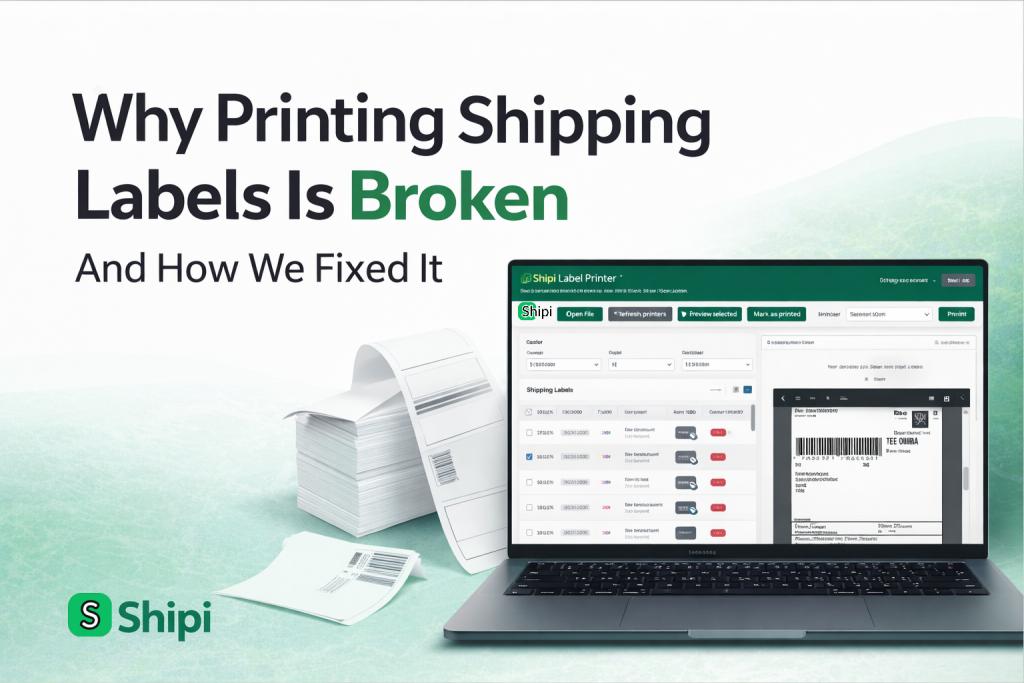
We built Shipi Label Printer to remove the entire download step.
With Shipi Label Printer:
- Labels load directly from Shipi
- ZPL, PDF, and other formats are handled automatically
- Labels are sent straight to the printer
- No manual downloads
- No extra tools
It works on Mac and Windows.
How It Works
The workflow is intentionally simple:
- Open Shipi Label Printer
- Select the order
- Click print
That’s it.
No file management. No format confusion.
Who This Helps the Most
Shipi Label Printer is especially useful for:
- Merchants using FedEx or UPS
- Mac-based teams struggling with ZPL
- Warehouses processing many orders per day
- Non-technical fulfillment staff
- Growing operations where speed matters
Shipping Should Be Boring
Good shipping software shouldn’t feel impressive.
It should feel:
- Predictable
- Fast
- Reliable
- Invisible
Printing a label should never block an order from leaving the warehouse.
That’s the experience we’re building at Shipi.
If label printing has been slowing your team down, this approach might help.
Built for real shipping workflows. Not just dashboards.