
Shipi Resources
Shipi Resources
Shipi Resources
post

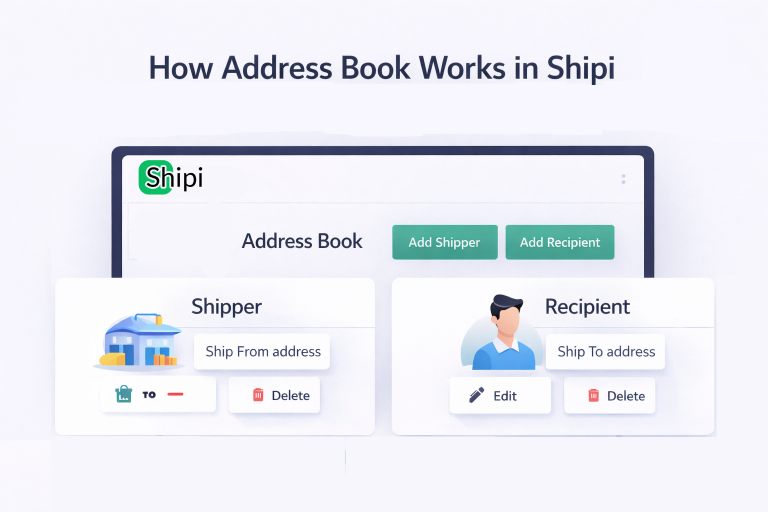
How Address Book works in Shipi

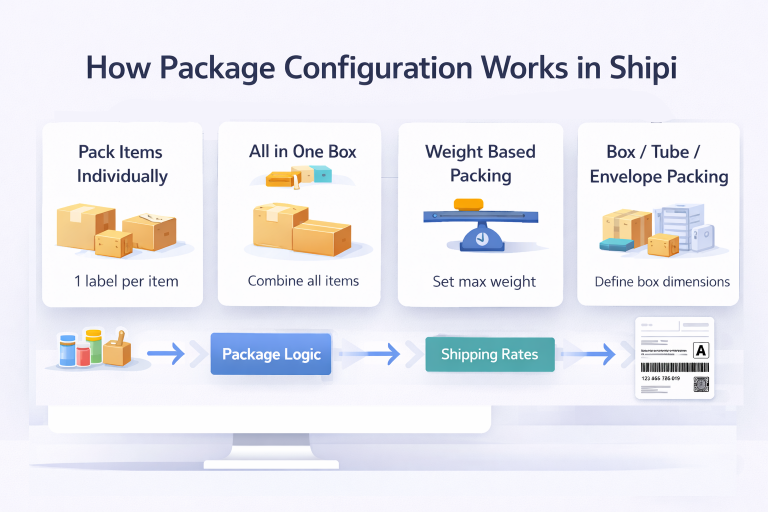
The Address Book in Shipi helps you store, manage, and reuse shipping addresses for both: These addresses are used when: Step 1: Access Address Book You will see: Step 2: Add Shipper Address Click Add Shipper to create a Ship-From address. This address represents: Shipper Address Fields Explained Field What It Is Required Notes Name […]
Read more
post

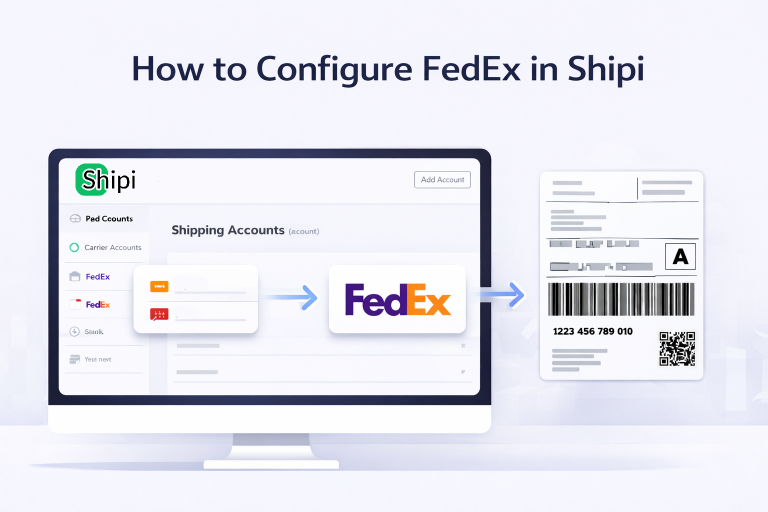
How to Configure FedEx in Shipi

This guide explains how to integrate FedEx with Shipi to calculate live shipping rates, generate labels, and automate FedEx shipments. Go to Shipping Accounts Select FedEx Step 1: Enter FedEx Account Information After selecting FedEx, you will see the FedEx configuration form. Field Name What It Is Why Itโ€™s Required Example / Notes Shipping Account […]

Read more
post

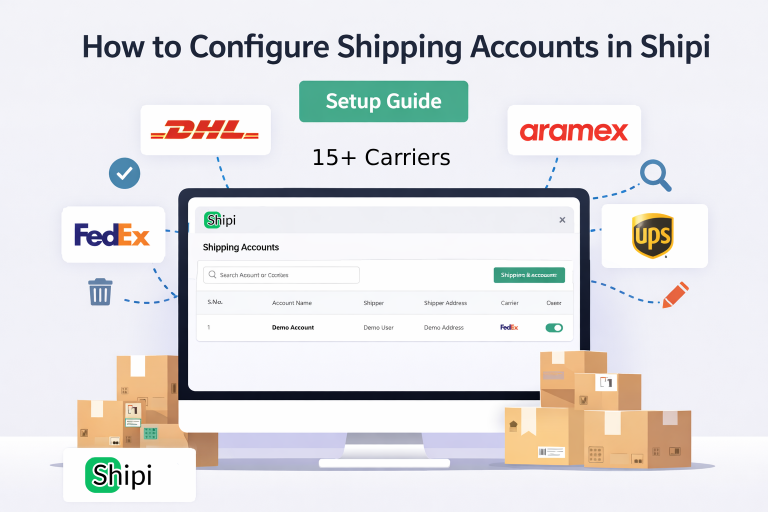
How to Configure Shipping Accounts in Shipi

This guide explains how to connect, manage, edit, disable, and delete shipping carrier accounts in Shipi. Connecting your shipping accounts is the first and most important step to start calculating live rates and generating shipping labels. Step 1: Login to Shipi or Shipi Integration app Step 2: Go to Shipping Accounts Click Connect Account or […]

Read more
post

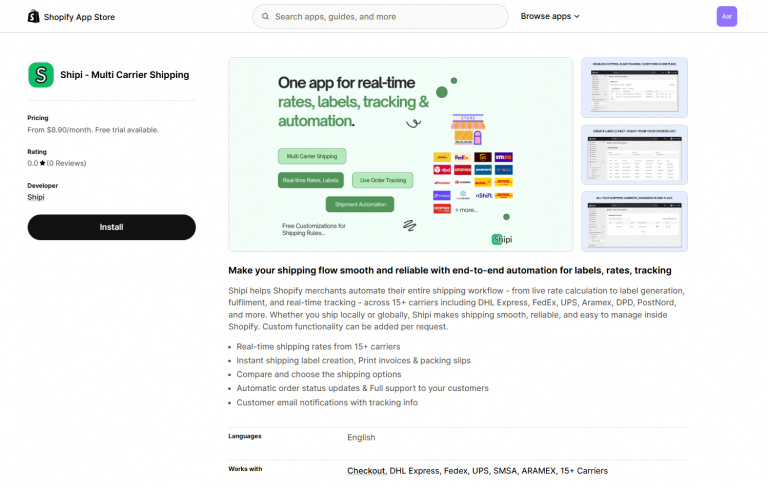
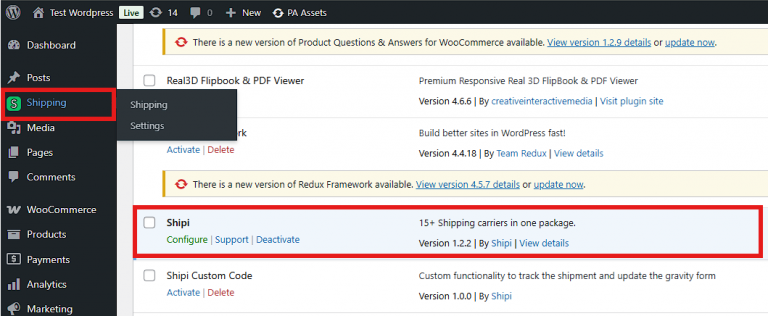
Installation Guide for Shipi – Multi Carrier Plugin for Shopify

Installation & Setup Guide ๐Ÿ”ง 1. Install the Shipi Plugin ๐Ÿ” 2. Connect or Create a Shipi Account ๐Ÿ“ฆ 3. Add Shipping Carrier Accounts Carrier  Configuration Link DHL Expres FedEx ๐ŸŒ 4. Configureย Shipi – Multi Carrier Shippingย in Shipping Zones and Add Shipi as a Shipping Method ๐Ÿ›’ 5. After Successful Configuration, Real-Time Shipping Rates Display […]

Read more
post

Why when generating a shipping label using the FedEx API, if the label is not appearing in your FedEx panel?

โœ… 1. You Are Using TEST (Sandbox) Credentials FedEx sandbox labels never appear in the live FedEx dashboard. Check: Fix: Switch to production credentials. โœ… 2. You Are Using โ€œShipโ€ (Label) Only – NOT Creating a Pickup FedEx only shows shipments in the FedEx panel if: API-generated labels without a pickup remain โ€œlocal onlyโ€. Fix:Enable […]

Read more
post

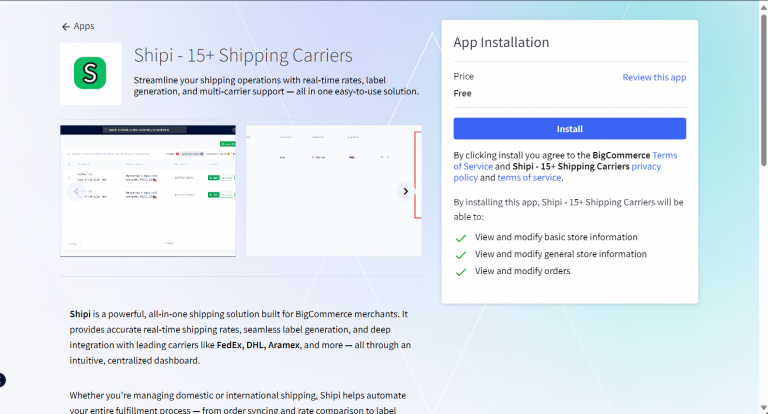
Installation Guide for Shipi – Multi Carrier Plugin for Bigcommerce

Installation & Setup Guide ๐Ÿ”ง 1. Install the Shipi Plugin ๐Ÿ” 2. Connect or Create a Shipi Account ๐Ÿ“ฆ 3. Add Shipping Carrier Accounts Carrierย  Configuration Link DHL Expres FedEx ๐ŸŒ 4. Configure Shipi – 15+ Shipping Carriers in Shipping Zones ๐Ÿš€ 5. Add Shipi as a Shipping Method ๐Ÿ›’ 6. After Successful Configuration, Real-Time Shipping Rates […]

Read more
post

Shipi Shipping Rates API Documentation

The Get Shipping Rates endpoint returns real-time shipping rates from all your configured carriers for a given destination and package. Use it to show live rates at checkout or compare carrier pricing in your application. Base URL Authentication Every API request requires two credentials sent in the request body: Parameter Type Description shop_id string Your store’s integration […]

Read more