
Shipi Resources
Shipi Resources
Shipi Resources

Carrier Integration

January 15, 2026 • myshipi.com

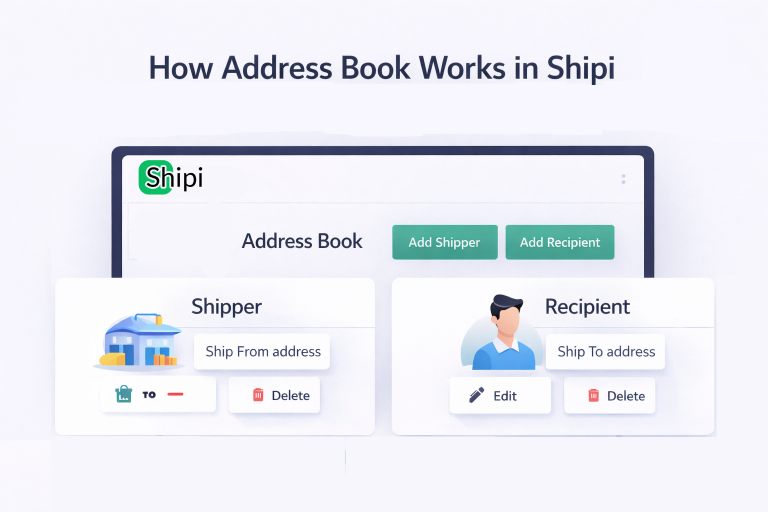
How Address Book works in Shipi

The Address Book in Shipi helps you store, manage, and reuse shipping addresses for both: These addresses are used when: Step 1: Access Address Book You will see: Step 2: Add Shipper Address Click Add Shipper to create a Ship-From address. This address represents: Shipper Address Fields Explained Field What It Is Required Notes Name […]
Read more
January 15, 2026 • myshipi.com

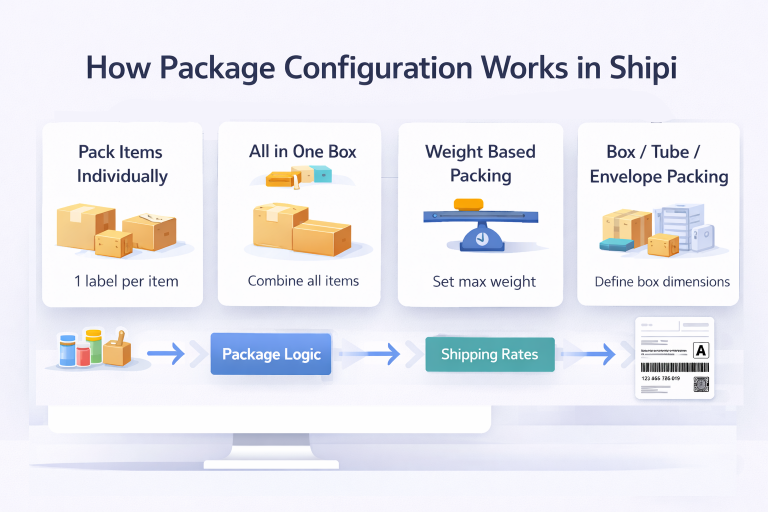
How shipping package configuration works in shipi

Package configuration tells Shipi how to group products into packages before sending data to shipping carriers. This directly affects: 📌 Wrong package settings = wrong rates or label failures 🔹 Pack Items Individually Each product is shipped as a separate package. Option Explanation What this does Generates one shipping label per product How it works […]

Read more
January 15, 2026 • myshipi.com

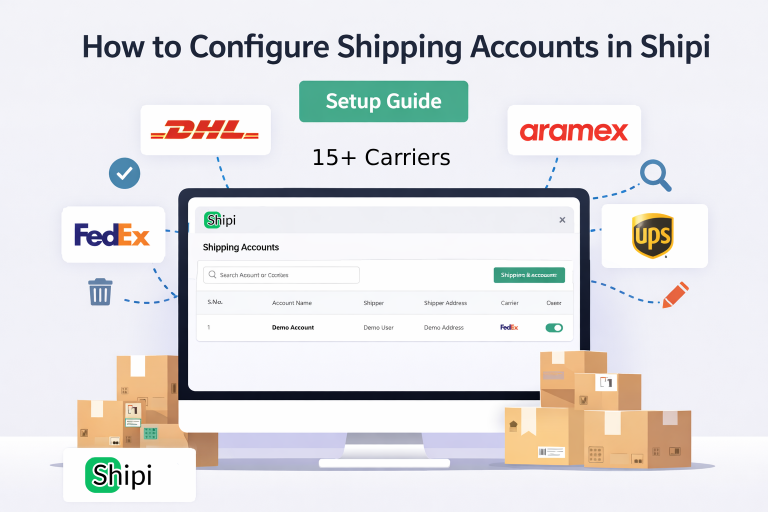
How to Configure Shipping Accounts in Shipi

This guide explains how to connect, manage, edit, disable, and delete shipping carrier accounts in Shipi. Connecting your shipping accounts is the first and most important step to start calculating live rates and generating shipping labels. Step 1: Login to Shipi or Shipi Integration app Step 2: Go to Shipping Accounts Click Connect Account or […]

Read more
November 22, 2024 • myshipi.com

Why FedEx tracking needs different API details?

It is not possible to select both Ship, Rate & Other APIs and Track API for a FedEx project. Therefore, an additional configuration for the Track API should be set up separately. FedEx tracking requires separate API details to ensure security, optimize service-specific functionality, and maintain compliance with data regulations.

Read more
November 22, 2024 • myshipi.com

How to Obtain DHL Express REST API Key and Secret

To use your DHL account in Shipi, you need to obtain DHL API credentials. Follow the steps below.If you already have a DHL account in shipi, you’ll need a new DHL Site ID and Password to use the new integration. Your DHL account number will remain the same. Step 1: Register on the API Developer […]

Read more