post
How to Configure USPS in Shipi
Connect USPS to Shipi with your own USPS business account: API keys, CRID, MID and EPS account, commercial or retail rates, label formats and your first label.


Connect USPS to Shipi with your own USPS business account: API keys, CRID, MID and EPS account, commercial or retail rates, label formats and your first label.
Connect your DPD account to Shipi: the DPD login details for your country, every setting explained, duty payer, packing and your first DPD label.
Connect your Aramex account to Shipi: API details, every setting explained, live rates at checkout, cash on delivery, signature and your first Aramex label.
Get live rates from every carrier account in Shipi through your AI assistant, then create the label on the exact account and service you choose.
Save weight, dimensions, HS code and country of origin per product. Shipi fills them in on orders and invoices that arrive without them, and you can pick saved products when you create a shipment.
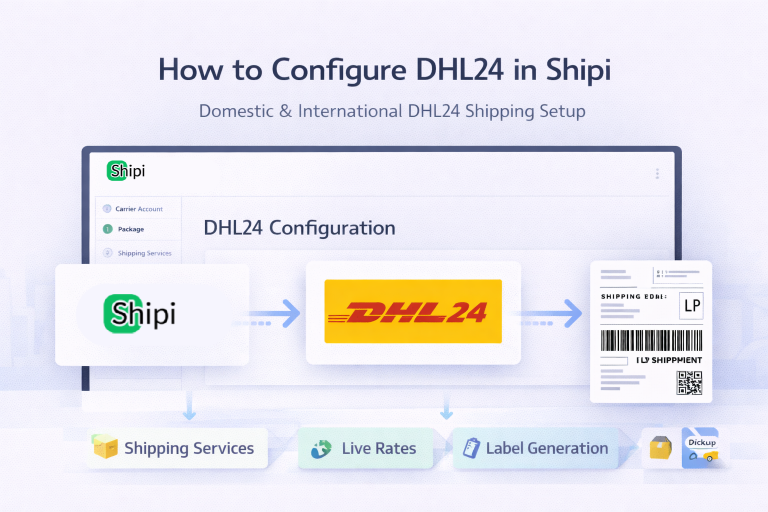
This guide explains how to integrate DHL24 with Shipi to calculate live shipping rates, generate labels, and automate DHL24 shipments. Go to Shipping Accounts Select DHL24 Step 1: DHL24 Account Information This section connects your DHL24 account with Shipi. 🔹 Shipping Account Name Field Description What this is Internal name for your DHL24 account Example […]
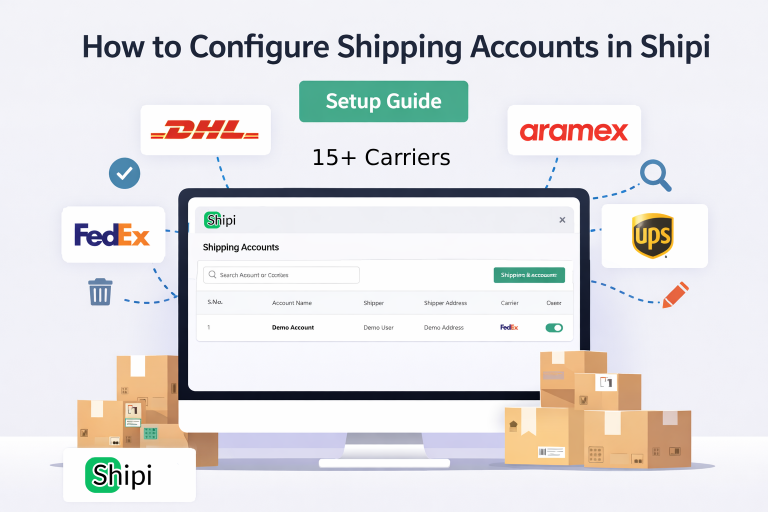
This guide explains how to connect, manage, edit, disable, and delete shipping carrier accounts in Shipi. Connecting your shipping accounts is the first and most important step to start calculating live rates and generating shipping labels. Step 1: Login to Shipi or Shipi Integration app Step 2: Go to Shipping Accounts Click Connect Account or […]