
How to Configure Econt Express in Shipi
Connect Econt Express (Bulgaria) to Shipi with your e-Econt login: live rates, office and Econtomat delivery, cash on delivery, courier pickups, tracking and labels.
Connect Speedy (Bulgaria) to Shipi: API login, services, live rates, cash on delivery and IBAN payout, payers, open/test before payment, pickups and labels.
Connect Canada Post to Shipi: Developer Program API keys, customer number, contract ID, Zonos key for US shipments, delivery options and your first label.
Connect USPS to Shipi with your own USPS business account: API keys, CRID, MID and EPS account, commercial or retail rates, label formats and your first label.
Connect your Aramex account to Shipi: API details, every setting explained, live rates at checkout, cash on delivery, signature and your first Aramex label.
Get live rates from every carrier account in Shipi through your AI assistant, then create the label on the exact account and service you choose.
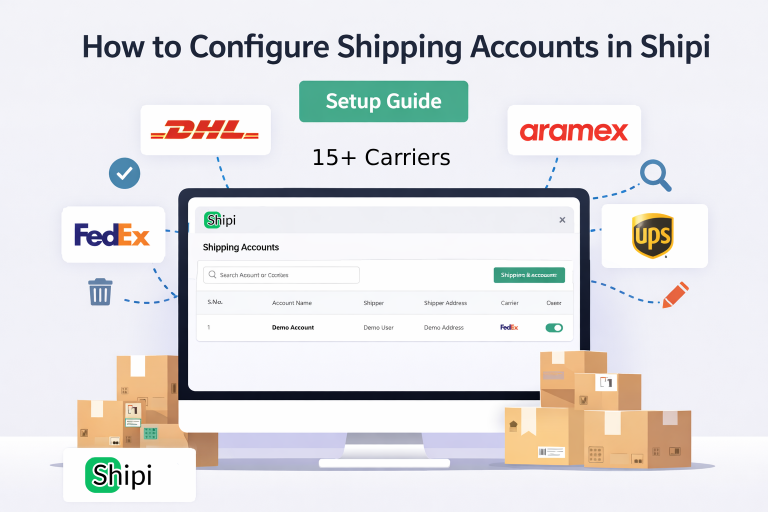
This guide explains how to connect, manage, edit, disable, and delete shipping carrier accounts in Shipi. Connecting your shipping accounts is the first and most important step to start calculating live rates and generating shipping labels. Step 1: Login to Shipi or Shipi Integration app Step 2: Go to Shipping Accounts Click Connect Account or […]